 EN
EN

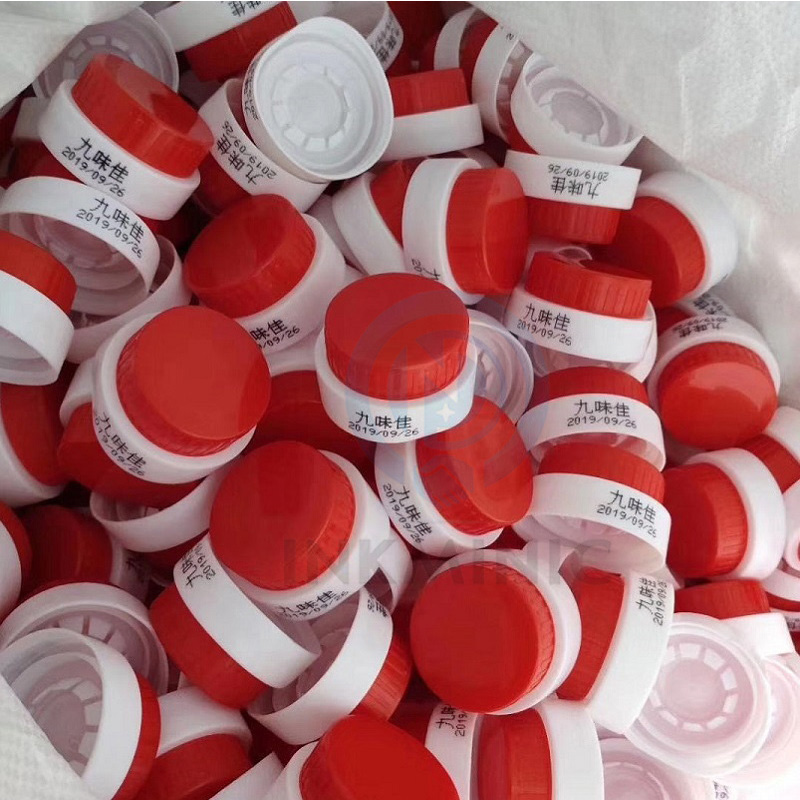
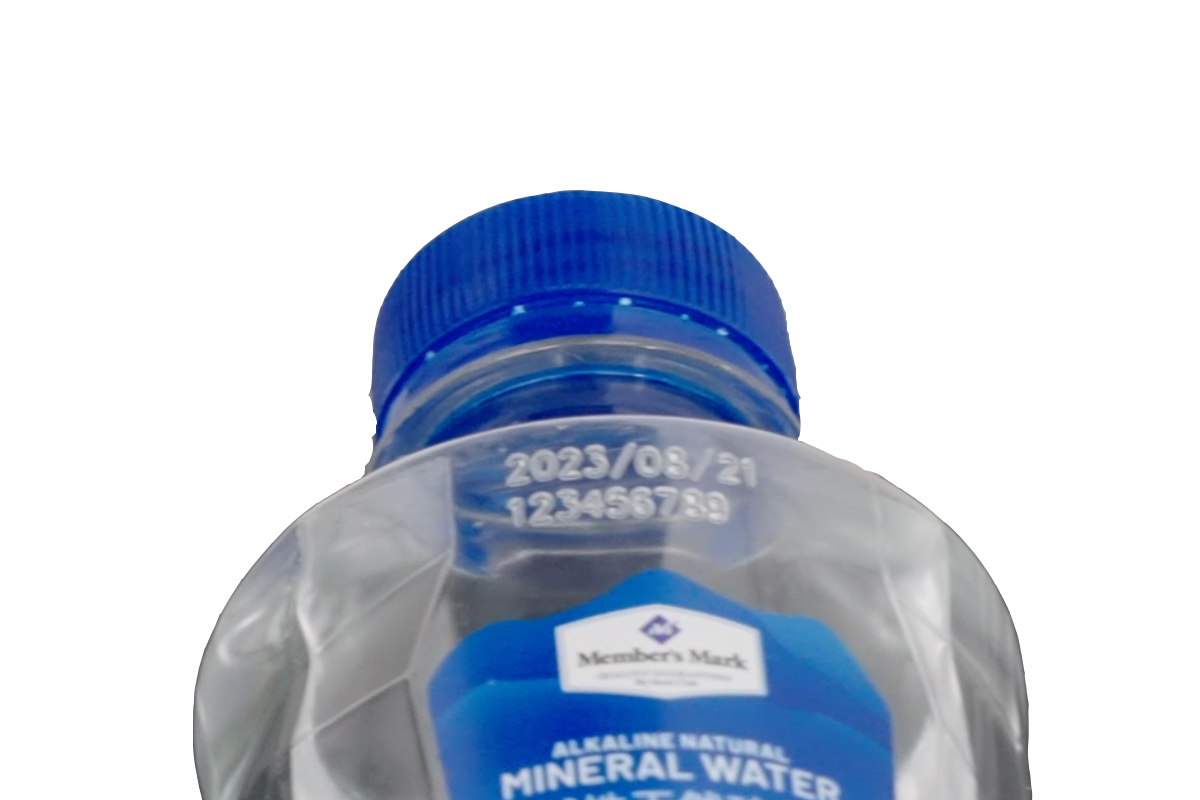
In industries such as daily chemicals, food, and pharmaceuticals, inkjet printing on small bottles and caps is a common requirement—whether it's marking production dates, shelf lives, traceability codes, or anti-counterfeiting codes, it's necessary to achieve clear, accurate, and wear-resistant printing results on narrow surfaces. However, these items are small in size and may have irregular surfaces (such as the curved shape of caps or the necks of bottles), making it easy to encounter problems like blurred prints, misalignment, or missing prints during the inkjet process. Today, we'll share a complete guide to inkjet printing on small bottles and caps, covering equipment selection to operational details, helping you easily solve these challenges!
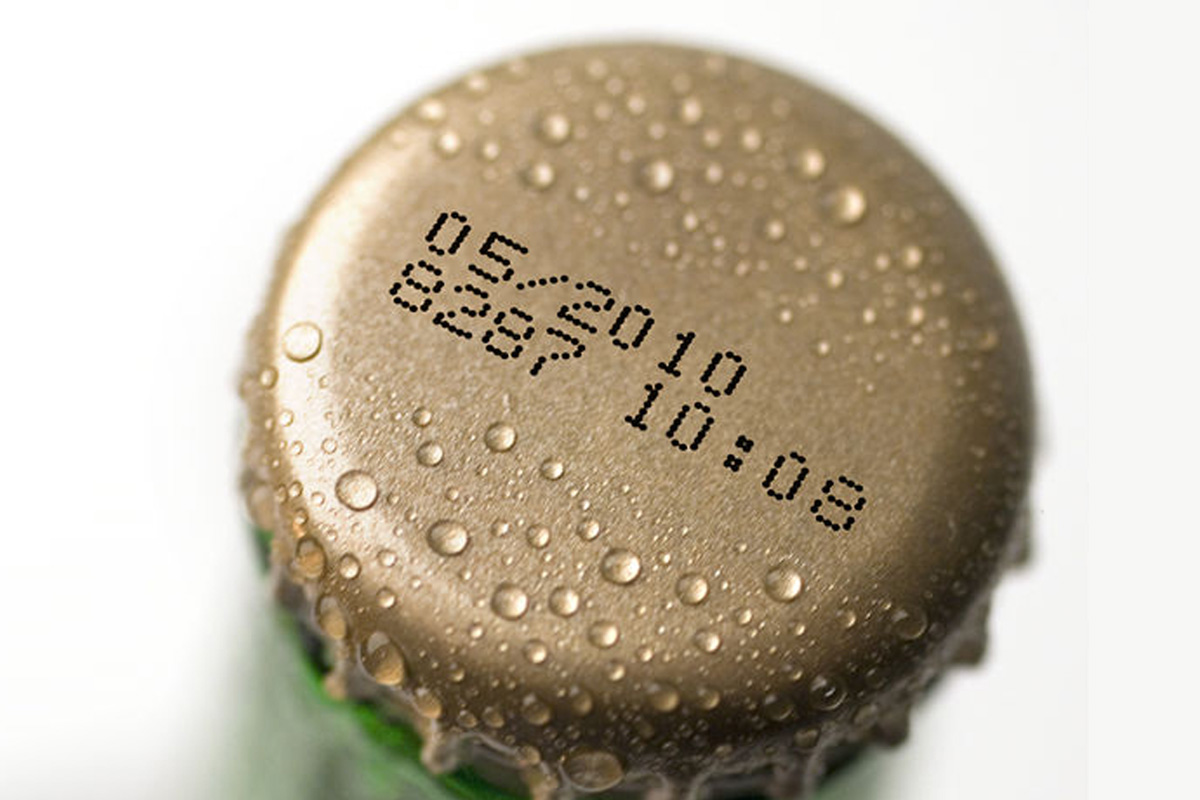
I. Choosing the Right Equipment is Fundamental: Different Inkjet Printers for Different Scenarios
The core pain points of inkjet printing on small bottles and caps are "limited space" and "easy shaking," so the flexibility, accuracy, and adaptability of the equipment are crucial. Currently, there are two main types of mainstream inkjet printing equipment, which can be selected based on your specific needs:
1. Handheld Inkjet Printers: Suitable for Small-Batch, Multi-Specification Scenarios
If your production scale is small, or if the specifications of small bottles and caps change frequently (such as caps of different diameters or small bottles of different shapes), a handheld inkjet printer is a cost-effective choice. Its advantage lies in flexible operation—no complex assembly line supporting facilities are required, and printing can be done by hand. It can adapt to both flat and slightly curved surfaces.
Purchasing Tips: Prioritize models with adjustable nozzles to easily control the printing range according to the size of the items; at the same time, pay attention to ink adhesion. Especially for small bottles/caps made of smooth materials such as plastic and glass, it is necessary to match them with special quick-drying ink to avoid prints peeling off when wiped. In addition, it is recommended to choose equipment with strong battery life to reduce the trouble of frequent charging.
2. Online Small-Character Inkjet Printers: Suitable for Large-Batch, Assembly Line Production
For large-batch production on factory assembly lines, online small-character inkjet printers are efficiency leaders. They can be fixed with conveyor belts to achieve automated continuous printing, with fast printing speed and high accuracy, which can effectively avoid misalignment caused by manual operation.
Purchasing Tips: Focus on the equipment's "small-character printing capability" to ensure that the required content can be clearly printed in narrow spaces (for example, the minimum printable character size is 1mm); at the same time, choose models with automatic positioning functions, which can accurately identify the position of small bottles/caps through photoelectric sensors to avoid missing or repeated prints. For caps with curved surfaces, special curved positioning fixtures can be matched to ensure that the items remain stable and do not shake during printing.
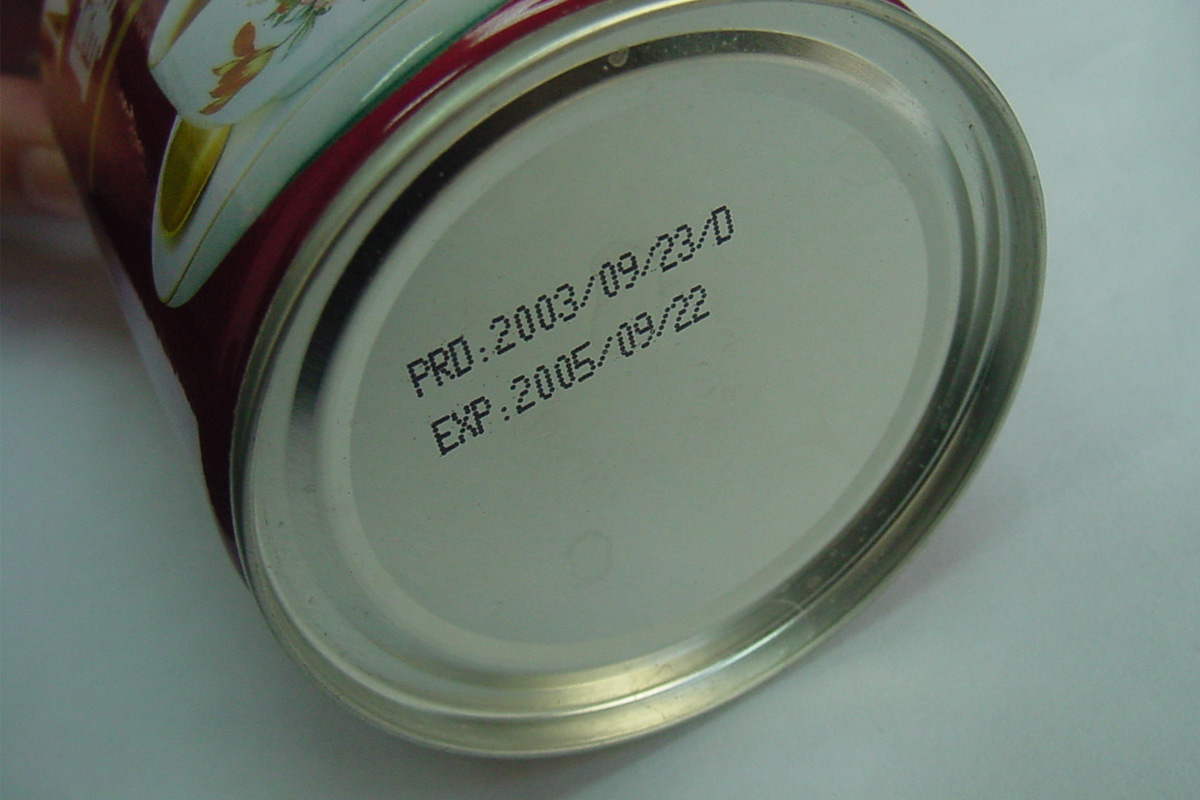
II. Pre-Printing Preparation: 3 Details That Determine Printing Results
After choosing the right equipment, pre-printing preparation work cannot be ignored. Many printing problems stem from insufficient preparation:
1. Material Pretreatment: Ensure a Clean, Impurity-Free Surface
Most small bottles and caps are made of plastic, glass, or metal. Their surfaces may have residual oil, dust, or moisture, which will affect ink adhesion and lead to blurred prints. Therefore, pretreatment is required before printing: wipe the surface with a clean cloth to remove oil and dust; if the items have just been produced, they need to be air-dried or dried first to avoid moisture on the surface. For particularly smooth plastic materials, a special surface treatment agent can be sprayed in advance to enhance ink adsorption.
2. Content Setting: Simplify + Clarify to Adapt to Narrow Spaces
The printing area on small bottles/caps is limited, so the printed content should be as simplified as possible to avoid redundant information. For example, the production date can adopt an abbreviated "year-month-day" format (such as 251216 representing December 16, 2025), and traceability codes can be short two-dimensional codes or barcodes. At the same time, reasonably set the character size and spacing—the character size is recommended to be controlled between 1-3mm, and the spacing can be flexibly adjusted according to the amount of content to ensure overall clarity and readability without overlapping or overcrowding.
3. Ink Selection: Match According to Material, Balancing Wear Resistance and Environmental Friendliness
Different materials correspond to different types of ink. Choosing the wrong ink will directly cause the print to peel off: ① Plastic materials (such as PE, PP, PET): Choose solvent-based or UV-based ink. Solvent-based ink dries quickly, while UV-based ink has higher wear resistance, making it suitable for products that need long-term storage; ② Glass materials: Choose special glass ink, which needs to be matched with drying equipment to ensure that the ink adheres firmly to the surface; ③ Metal materials: Choose high-temperature and corrosion-resistant special metal ink. In addition, the food and pharmaceutical industries need to choose ink that meets national food-grade standards to avoid product contamination.
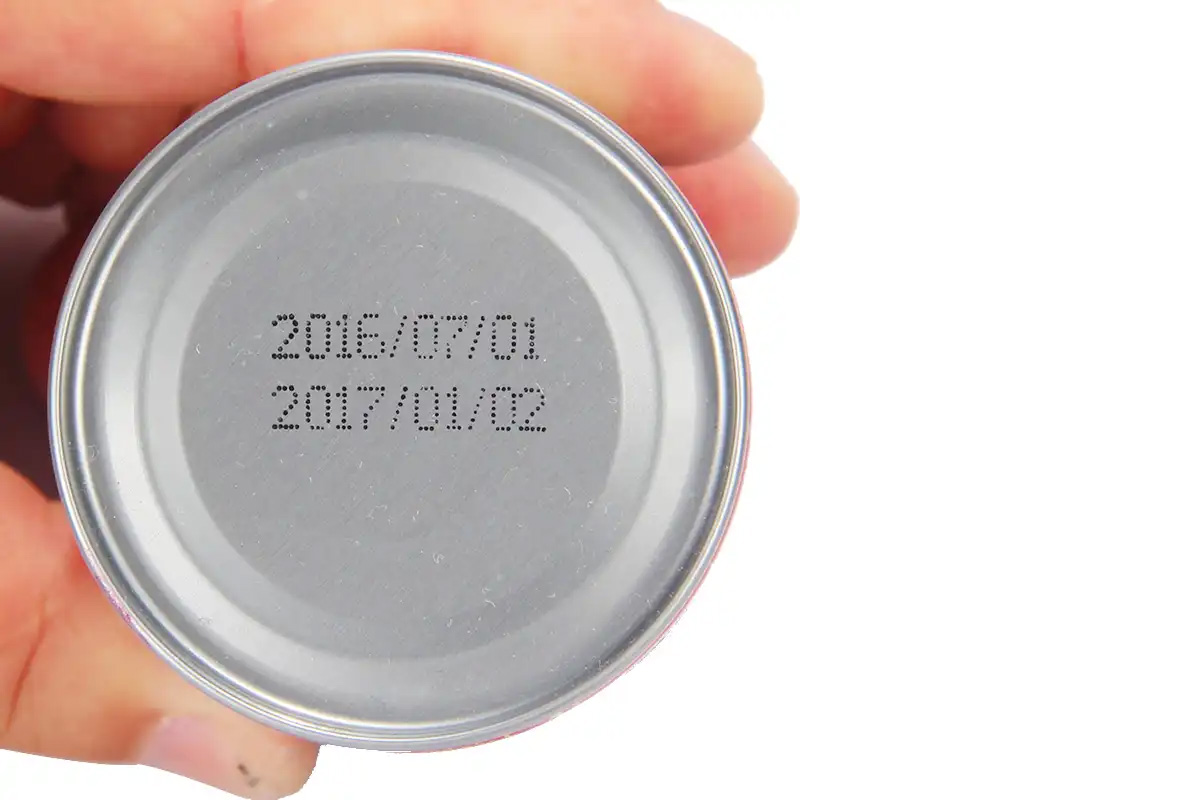
III. Operational Skills: Avoid These Common Pitfalls for Accurate and Clear Printing
After thorough pre-preparation, detail control during operation is key. The following skills can help you avoid most printing problems:
1. Control Printing Distance and Angle
The distance between the inkjet printer nozzle and the surface of the small bottle/cap is recommended to be controlled between 2-5mm. A too-far distance will cause blurred and diffused prints, while a too-close distance may scratch the surface of the item or clog the nozzle. For curved caps, adjust the printing angle to keep the nozzle perpendicular to the printing surface, avoiding the situation where one side is clear and the other is blurred. When using a handheld inkjet printer, try to keep your arm stable and use a bracket for auxiliary positioning if possible; for online inkjet printers, accurately adjust the conveyor belt speed and nozzle height to ensure synchronization.
2. Adjust Printing Parameters: Adapt to Different Item Characteristics
Flexibly adjust the inkjet printer parameters according to the material of the small bottle/cap and the printed content: ① Printing speed: For small-batch handheld printing, the speed can be slightly slower to ensure sufficient ink adhesion; for assembly line production, the speed needs to match the conveyor belt speed to avoid stretched or compressed prints; ② Ink concentration: For smooth materials, the concentration can be appropriately reduced to avoid blurred ink accumulation; for rough materials, the concentration can be increased to ensure clear characters; ③ Drying time: Solvent-based ink usually does not require additional drying and can dry naturally; UV-based ink needs to be dried with a UV lamp; after printing on glass materials, it is recommended to use low-temperature drying equipment to avoid ink peeling.
3. Do a Good Job in Daily Equipment Maintenance: Avoid Nozzle Clogging
Nozzle clogging is the most common failure of inkjet printers, especially when printing small characters. Once clogged, it will directly affect the printing effect. Therefore, daily maintenance should be done before and after use: ① Before use: Check if the nozzle is clean; if clogged, rinse it with a special cleaning solution or gently wipe it with a cotton swab; ② During use: Avoid long-term suspension of printing; if suspension is necessary, turn on the "nozzle moisturizing" function to prevent ink from drying out; ③ After use: Clean the nozzle thoroughly and cover it with a protective cap to avoid dust entering. In addition, regularly replace the ink and filter to ensure the normal operation of the equipment.
IV. Common Problem Troubleshooting: How to Handle These Situations?
Even with thorough preparation, problems may still occur during printing. Here are the troubleshooting methods for common problems:
- Problem 1: Blurred prints with jagged edges—may be due to too far nozzle distance, too high ink concentration, or impurities on the item surface. Solution: Adjust the nozzle distance to 2-5mm, reduce the ink concentration, and re-wipe the item surface.
- Problem 2: Misaligned prints with unfixed positions—for handheld printing, it may be due to arm shaking; for online printing, it may be due to inaccurate positioning of the photoelectric sensor. Solution: Use a bracket for auxiliary positioning when using a handheld printer; adjust the sensor position for online printers to ensure accurate identification of items.
- Problem 3: Prints are easy to peel off or wipe off—may be due to mismatched ink and material, or incomplete drying. Solution: Replace with special ink corresponding to the material, extend the drying time, or match with drying equipment.
- Problem 4: Missing prints or repeated prints—for online printing, it may be due to mismatched conveyor belt speed and printing speed, or insufficient sensor sensitivity. Solution: Adjust the conveyor belt and printing speed, and calibrate the sensor sensitivity.
V. Summary: The Key to Inkjet Printing on Small Bottles and Caps Lies in "Adaptation" and "Details"
In fact, inkjet printing on small bottles and caps is not complicated. The core is to do two things well: first, "adaptation"—choose the right inkjet printing equipment and ink according to the production scale, item material, and surface characteristics; second, "details"—do a good job in surface pretreatment, parameter adjustment, and equipment maintenance. As long as you master the above skills, you can easily achieve clear, accurate, and wear-resistant printing results, meeting production and compliance requirements.
If you encounter other special situations in your production (such as inkjet printing on irregularly shaped small bottles or caps made of special materials), Welcome to contact us!